
Digital Skills Support Service
Our Digital Skills Support Service offers friendly, one to one support to help blind and partially sighted people use technology in ways that make everyday life easier
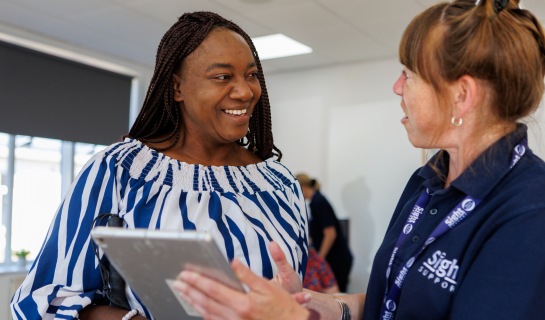
Digital technology can make everyday life easier in ways that many people don’t realise. From reading your post and staying in touch with family and friends to finding your way around more confidently, technology can open up new possibilities for blind and partially sighted people.
Many smartphones, tablets and computers already include built-in accessibility features such as magnification, larger text, screen readers and high contrast settings. There are also apps and digital tools that can read printed text aloud, identify everyday objects, describe your surroundings, help with navigation, and give you access to books, newspapers and podcasts.
Our Digital Skills Support Service is here to help you make the most of these possibilities. Whether you’re completely new to technology, thinking about buying your first smartphone, or already using digital devices, we’ll help you explore what could work for you and your sight loss.
One-to-one digital support
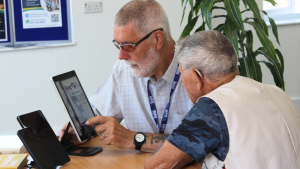
Our Digital Skills Advisors provide friendly, one-to-one support, with help from our trained tech volunteers. We tailor our support to your needs, interests and level of confidence.
Whether you’re wondering if technology could help with your sight loss, thinking about buying your first smartphone or tablet, looking to make your current device easier to use, or ready to explore new apps, devices and features, we’ll help you find an approach that suits you.
We can help with:
- Exploring how smartphones, tablets and other technology could support with everyday life, so you can decide whether they’re right for you.
- Making smartphones, tablets and computers easier to use by setting up accessibility features such as magnification, display settings, screen readers and other built-in options.
- Discovering apps that can help with reading, navigation and day-to-day tasks.
- Exploring how wearable devices, such as Meta Glasses, and digital assistants including Siri, Alexa and Google Assistant can help with everyday tasks.
- Guidance on specialist assistive technology and software where appropriate.
Our digital courses
Alongside one-to-one support, we run practical group courses throughout the year to help you get the most from your device.
Introduction to Visual Accessibility on Smartphones and Tablets
Learn to use magnification, contrast and voice features already built into your device.
Learn how to use magnification, larger text, contrast settings and other accessibility features already built into your smartphone or tablet. We’ll also introduce some of the ways digital assistants can help with simple everyday tasks. Suitable for people with some usable vision.
Introduction to VoiceOver and TalkBack
An introduction to screen readers, helping you use your smartphone or tablet through touch, gestures and spoken feedback. Suitable for people with little or no usable vision.
Courses run regularly across our area and are suitable for people with different levels of experience. Booking is essential.
View our latest Digital Skills courses and book a place.
Explore technology in your own time
If you’d like to learn more before speaking to us, or revisit topics after one of our support sessions, our Knowledge Hub contains practical articles about accessibility features, helpful apps and technology that can support people living with sight loss.
Explore our Digital Technology articles in the Knowledge Hub.
Keeping up to date
Technology is constantly evolving, with new accessibility features, apps and devices being developed all the time.
Our Digital Skills Advisors and volunteers keep up to date with developments in accessible technology, helping us introduce new ideas and tools that could help people with sight loss get more from technology.
We’d love to help
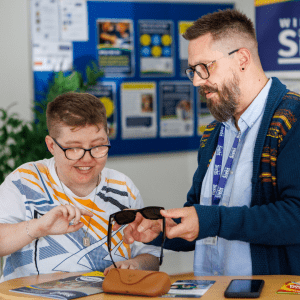
So, whether you’re looking to make your current device easier to use, find out how technology could help you, or learn about apps and devices that could support you in everyday life, we’d be happy to help.
Contact us to find out more about our Digital Skills Support Service, ask a question or book a place on one of our courses.